In Adobe Photoshop, I learned how to create a number of abstract illustrations using shapes such as circles, squares, rectangles, and triangles. Gradient tools were used to give each of my illustrations a different colour scheme.
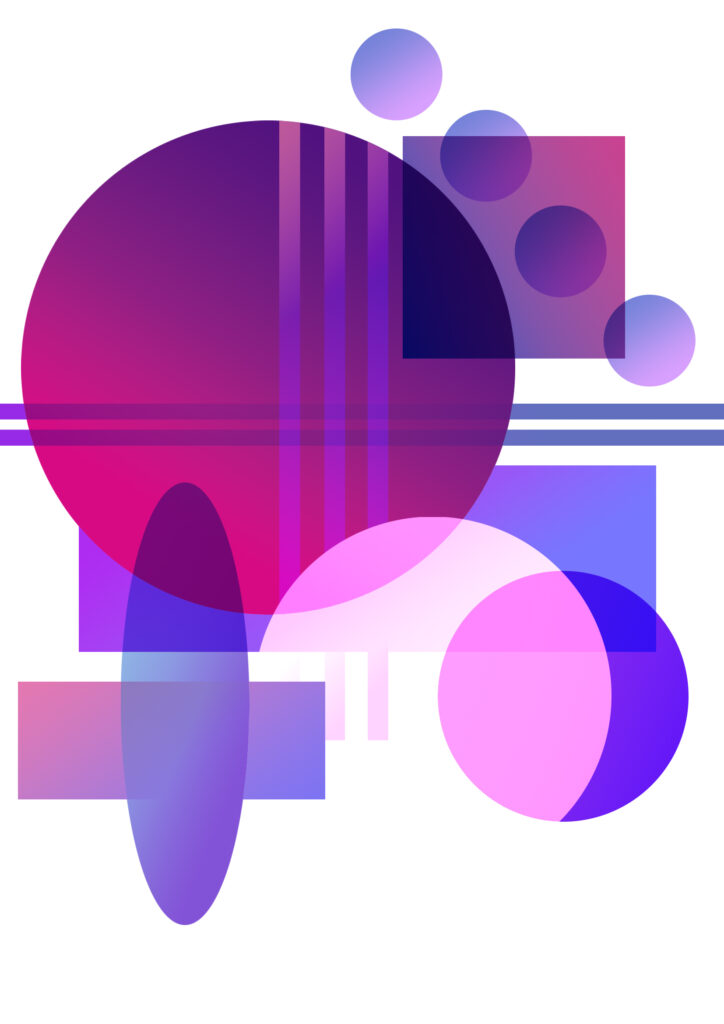
This is an abstract illustration I made using various forms of circular shapes and rectangles. I did this using the rectangular and elliptical marquee tools. Each shape was on a different layer so I used different blending tools such as Multiply, Linear Dodge and more to make the shapes look like they go together with each other more.
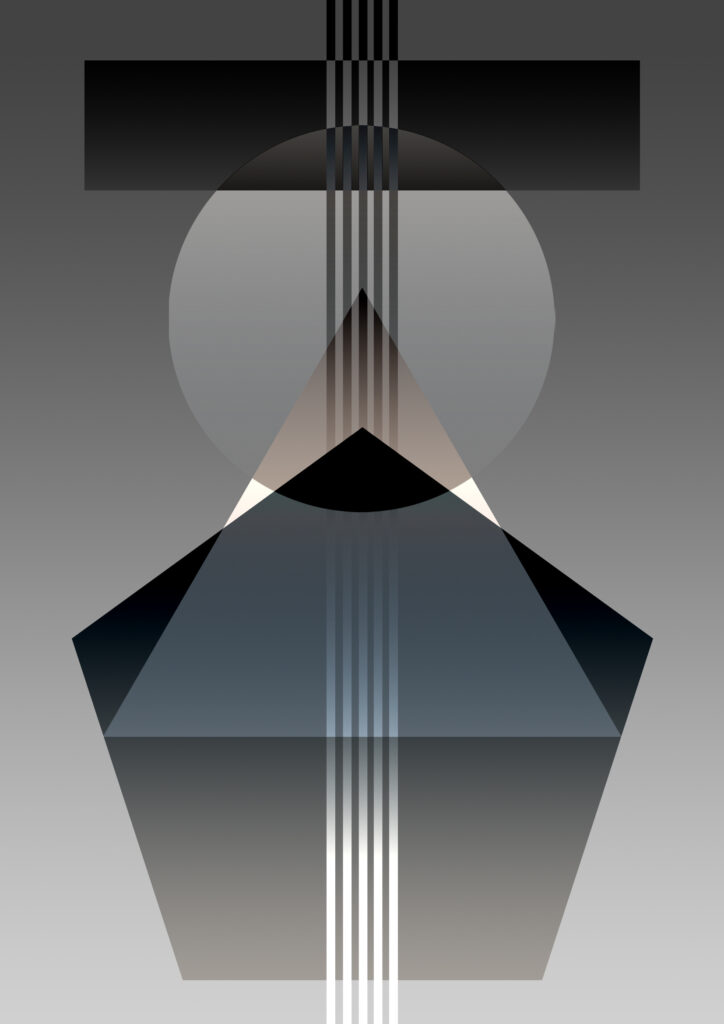
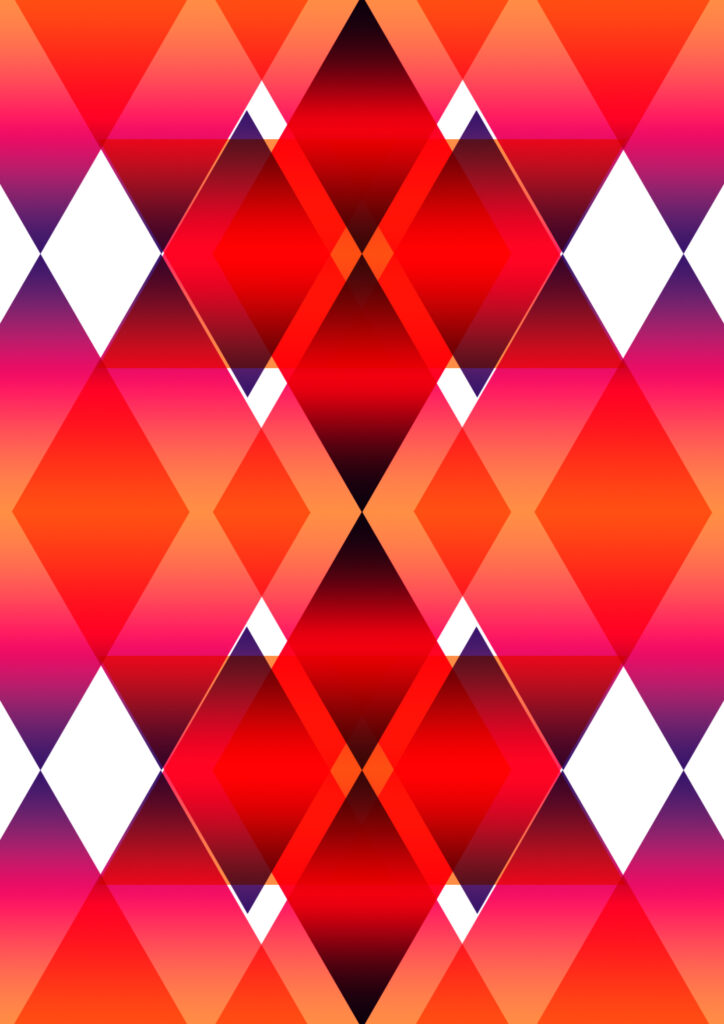
For these two other illustrations, I experimented with symmetry using triangles and diamonds. I made the diamonds using triangles. Now that I can create shapes in Photoshop, this is a new skill that I may use for some of my future work during this project.