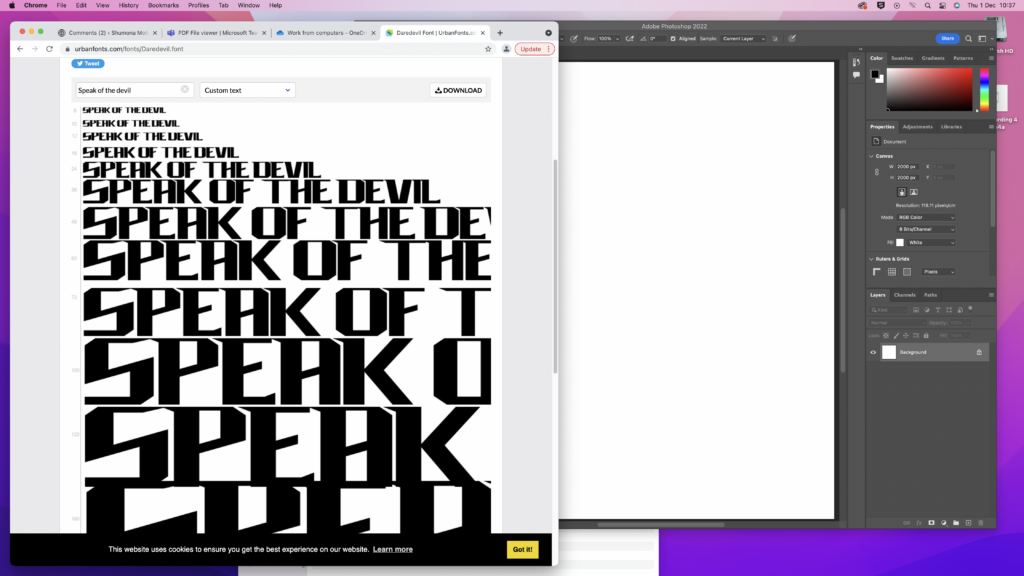
The first step of making my logo was making a title. I wanted it to be accurate to the show Daredevil so i used the same font and put it in my title ‘Speak of the Devil’. I used the website ‘Urban Fonts’, i then downloaded it and put it into Adobe Photoshop.

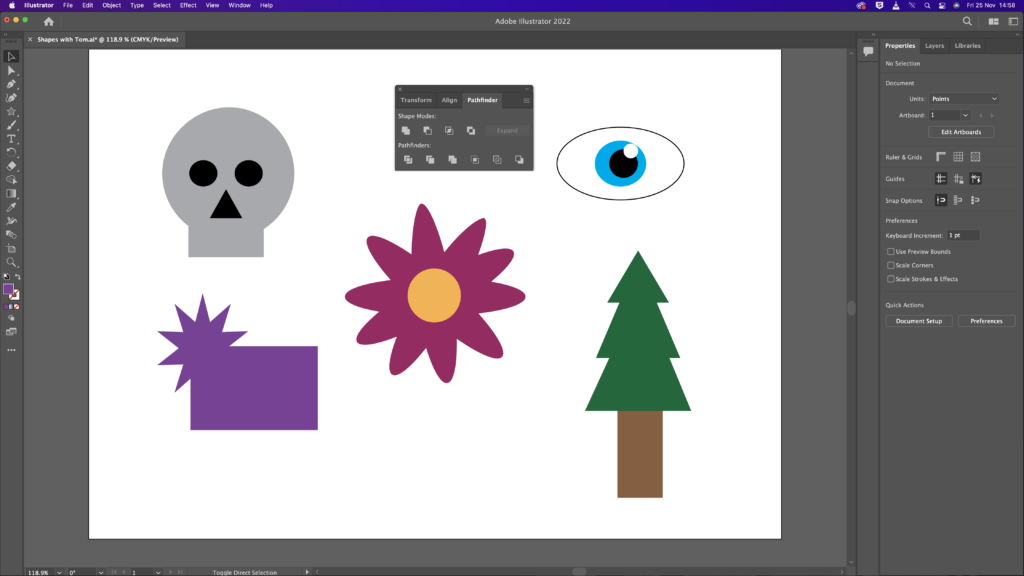
I practiced on adobe illustrator and made some shapes and changed colours. I wanted to be familiar with this because i had to make a logo and knowing how to edit on adobe illustrator would be quite important.
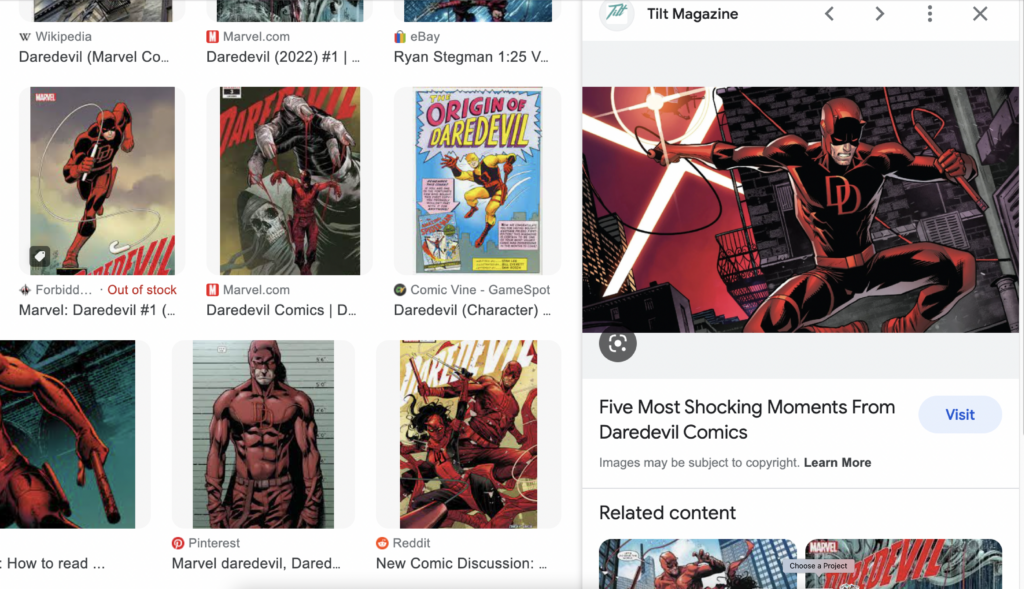
I searched online for a good quality picture of comic Daredevil. I wanted one that was bright but not too colourful because the show is dark. I found this one that i thought was perfect because it show him in his vigilante suit, his main weapon and him being in New York.
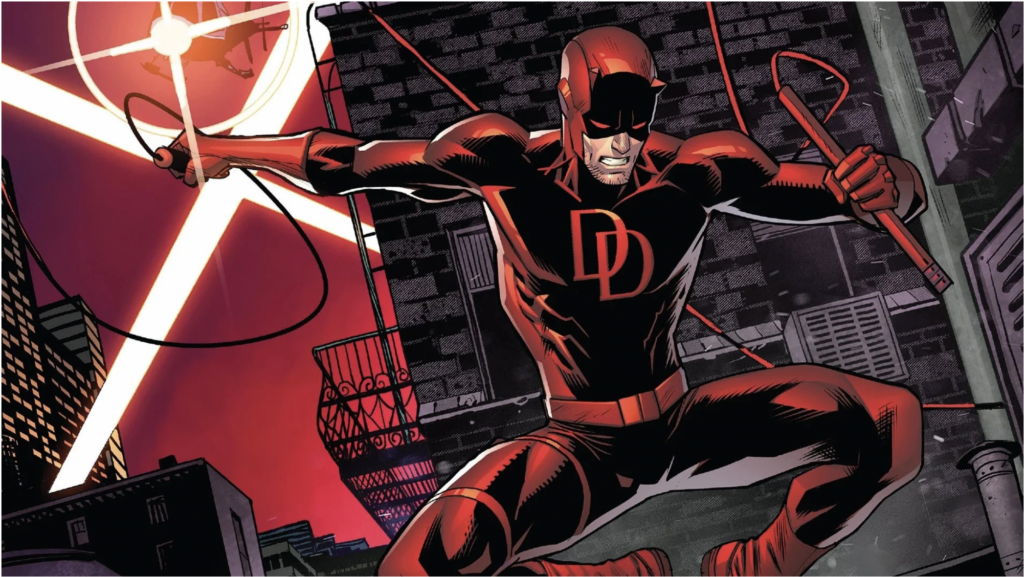
Next was adding a background. I went with the comic character instead of real life him to show that this is his origin and this was what inspired them to make the marvel show.
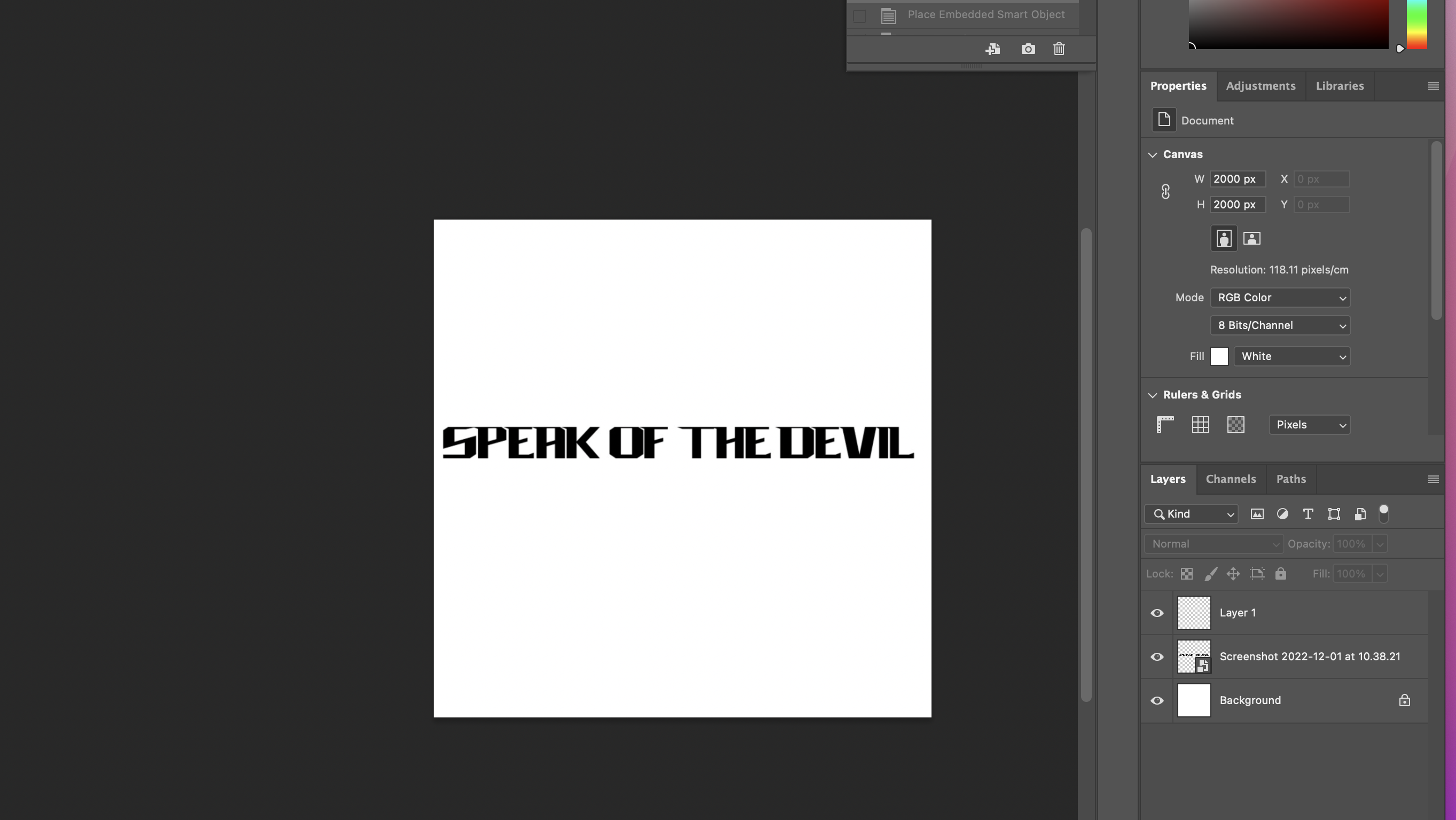
I first started with a white square, with the dimensions of 2000 by 2000. (width x height). I then added in the title of my podcast, transformed and scaled it so it would be in the middle of the square. I was happy with the title so i went and dragged the picture of daredevil and moved it to the back so the title was visible.
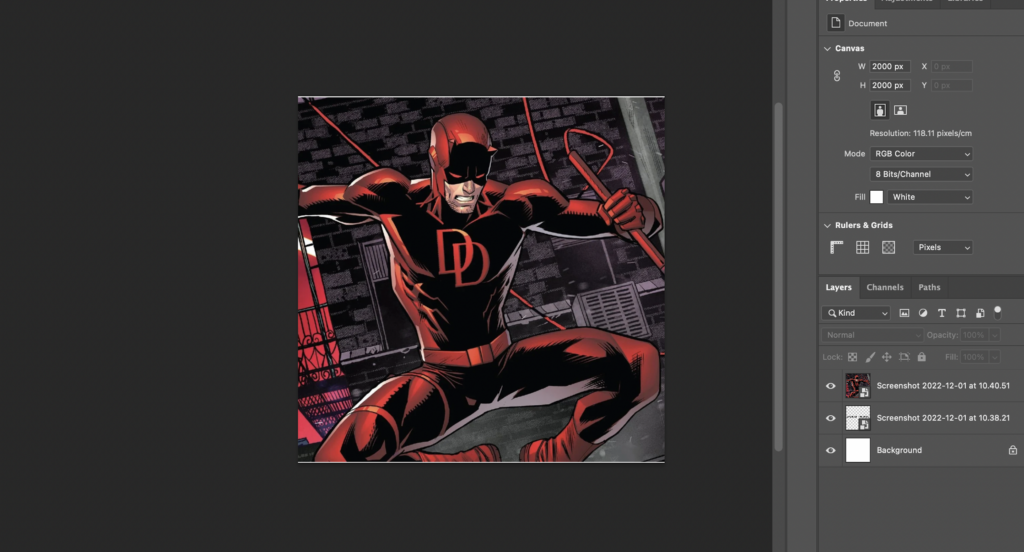
This was daredevil being put into the square. I went ahead and transformed and scaled it so it would be in the centre of the square, making sure the characters body was in the fame. There were still some white outline so i zoomed out and scaled it again.
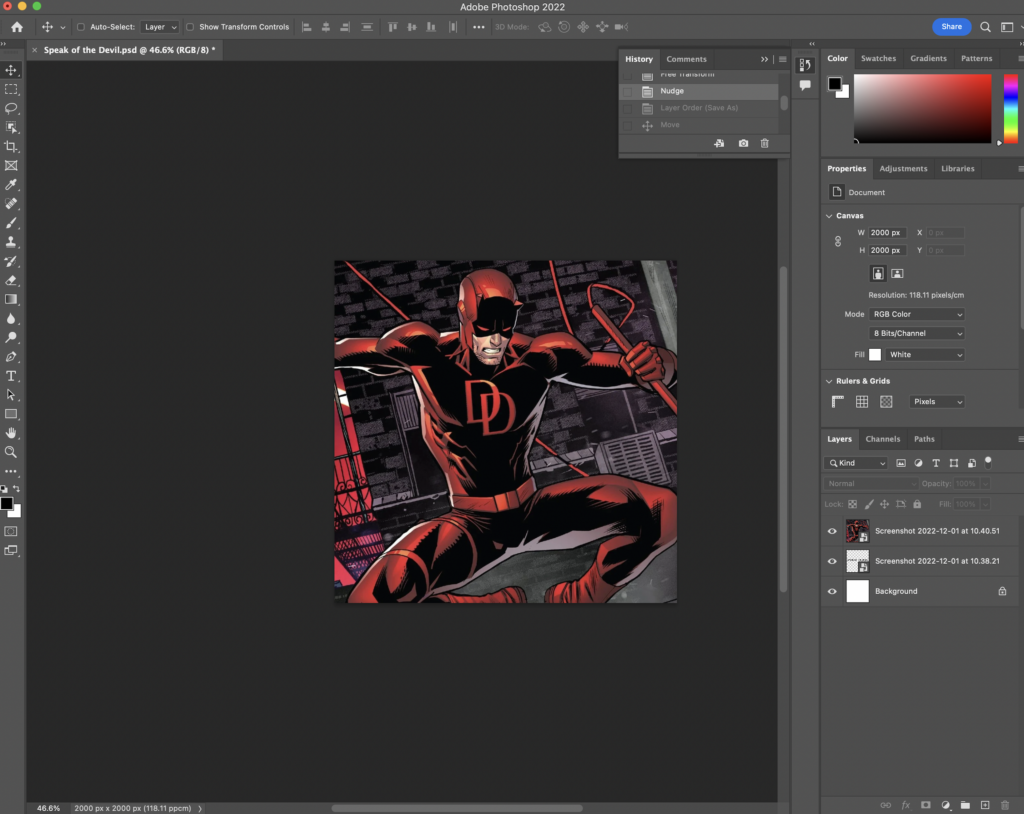
This was after i scaled it and made sure there were no white outlines and that it properly it the frame.
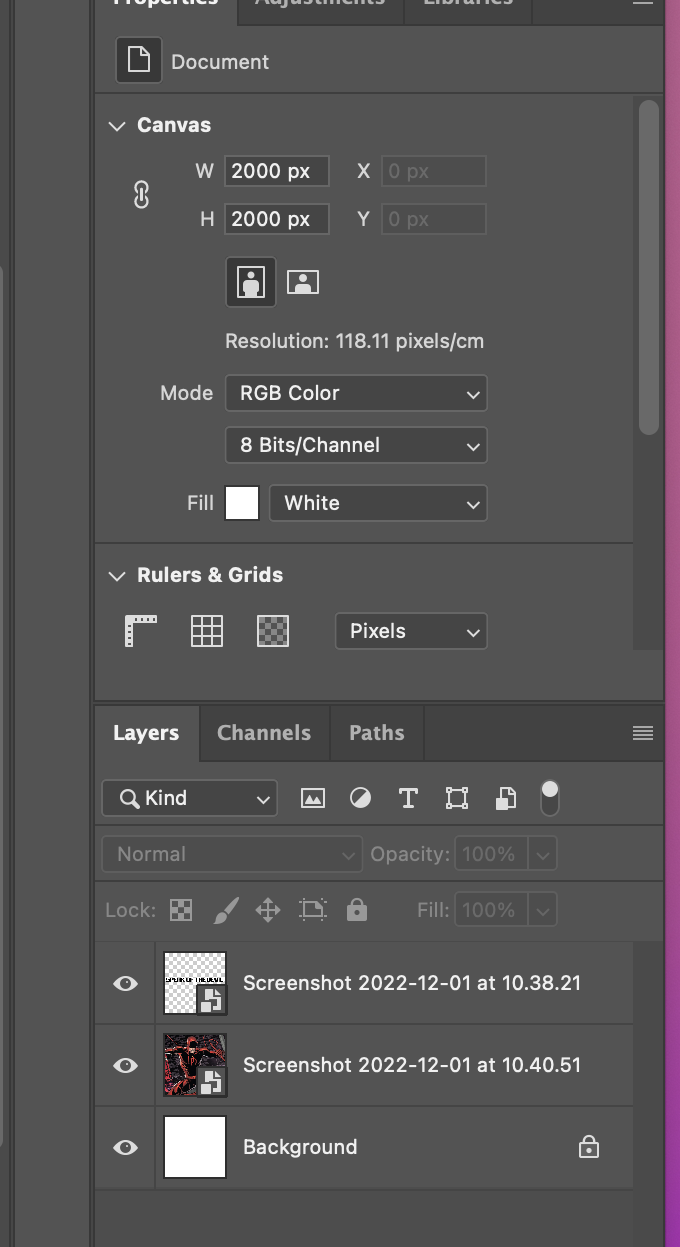
I made sure i could edit both the title and logo by making multiple layers.
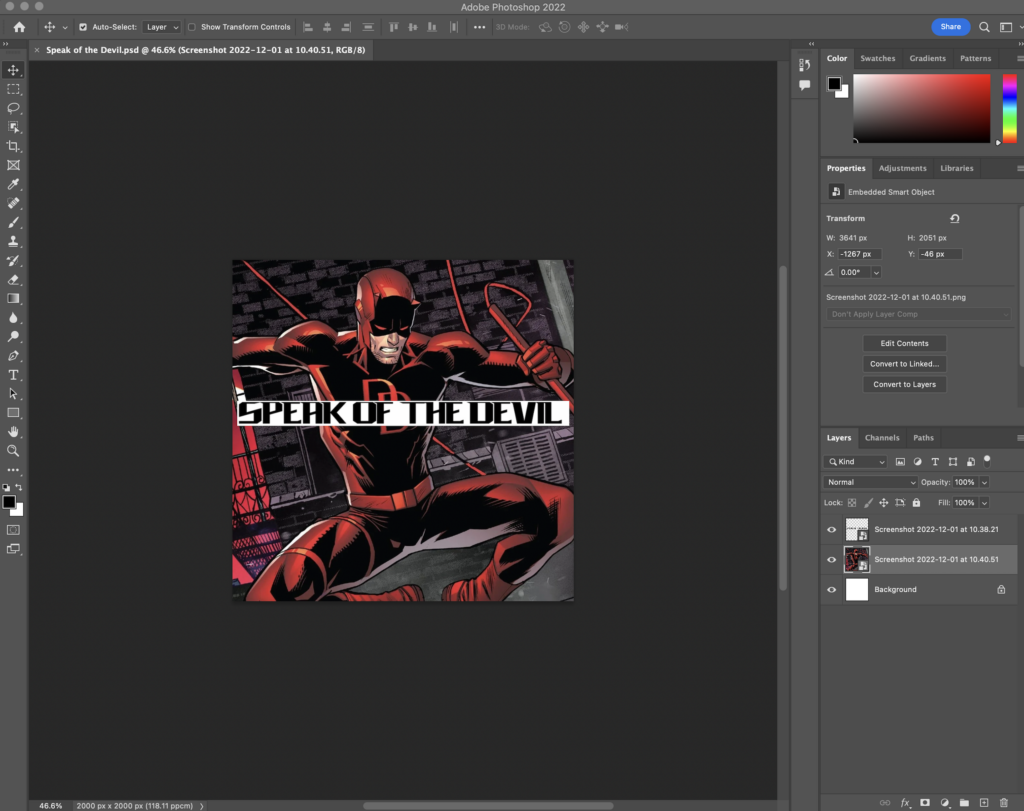
I then brought the title forward and my logo was complete!
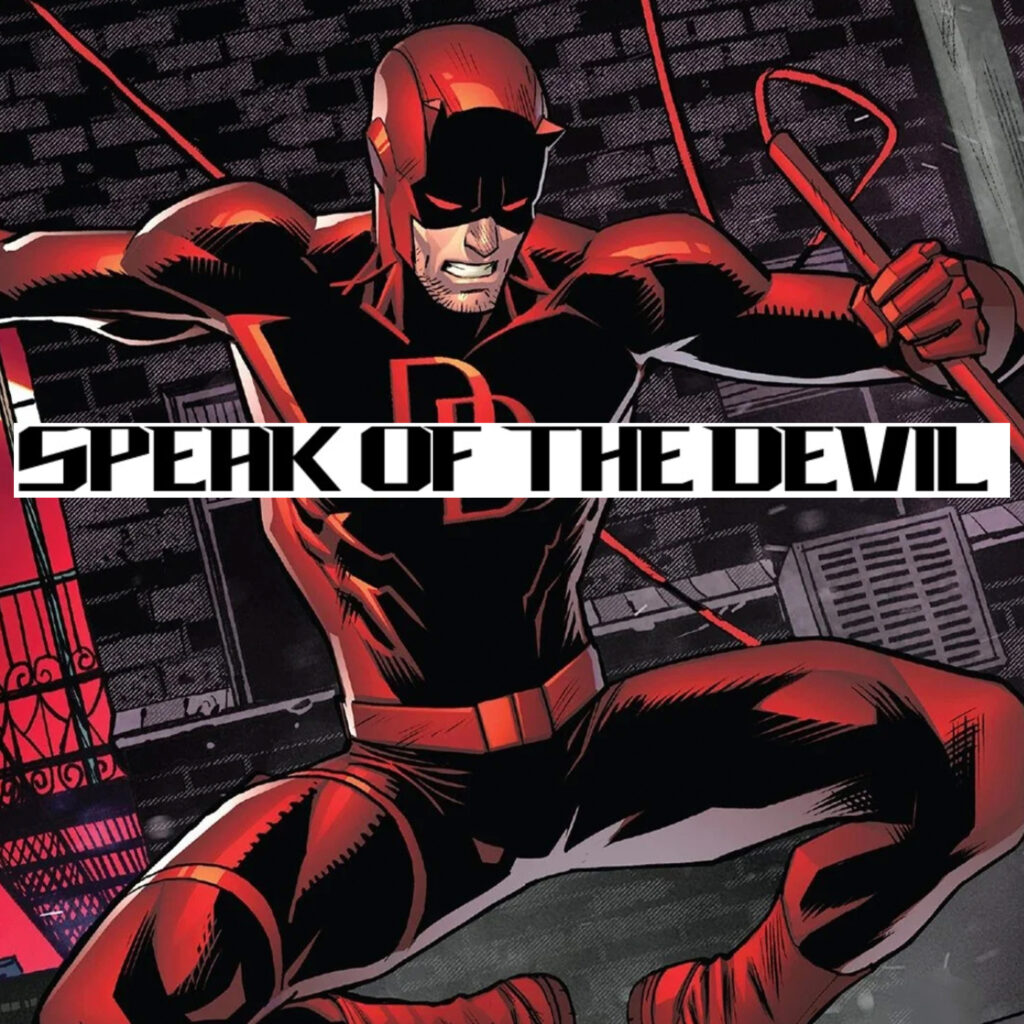
My official logo for my podcast, this logo will be shown on youtube and other platforms where the podcast will be shown.
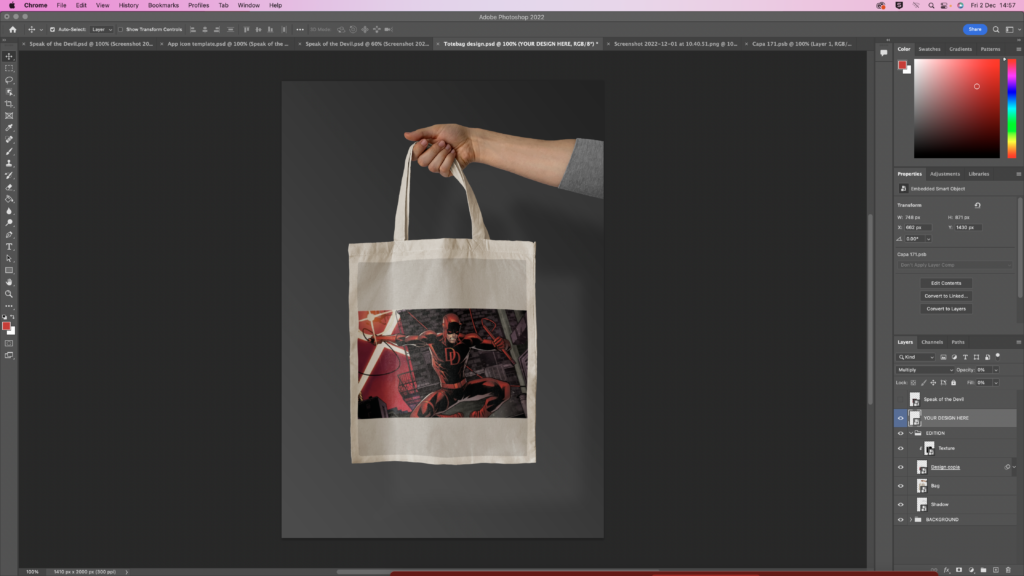
For my branding i chose to go with my original picture that is featured on my actual podcast. This picture will be the main one that will be on adverts, and merchandise such as this one. I added in different layers on photoshop so i was able to edit the colours, and move things around without ruining the layout.
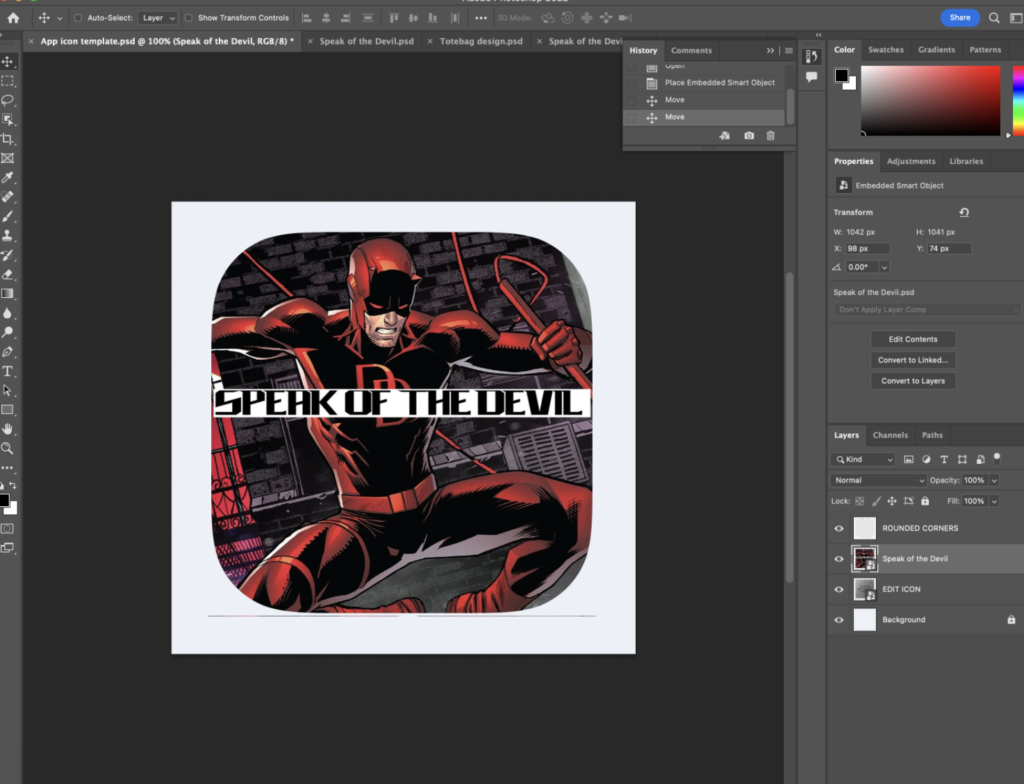
The logo is my app icon, and this would be used in the app store. This would be used as a digital platform. To make this i used a template and edited it on adobe photoshop. I imported my finished logo, and put it on top of the template. The template already adjusted the shape of my logo so i didn’t have to do any further editing.
Interactive functionality
My podcast will be available to the public and it is for everyone to listen to. The adverts will be on bus stops, billboards and available on merchandise like tote bags.
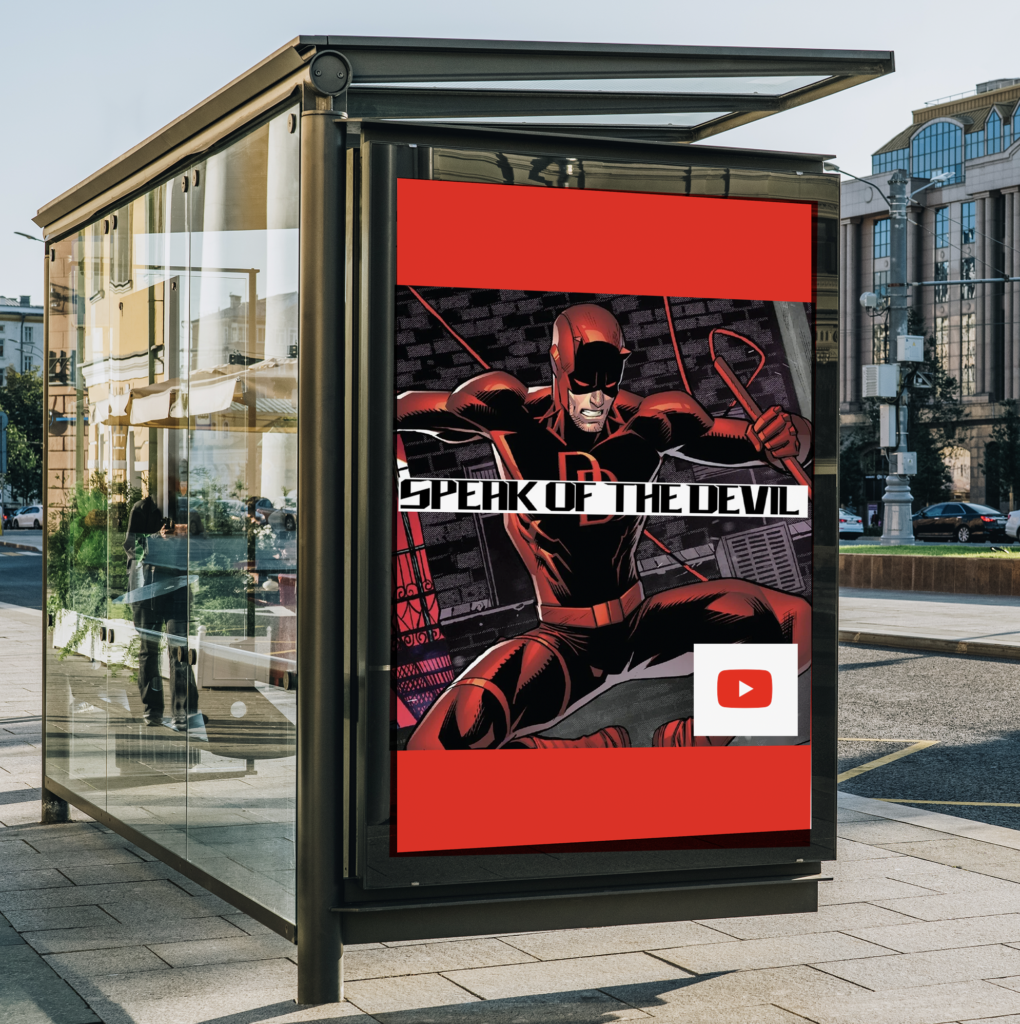
I used more templates and this is my logo on a bus stop. I edited this on adobe photoshop, and i added a youtube logo so it is known that my podcast is available on there.