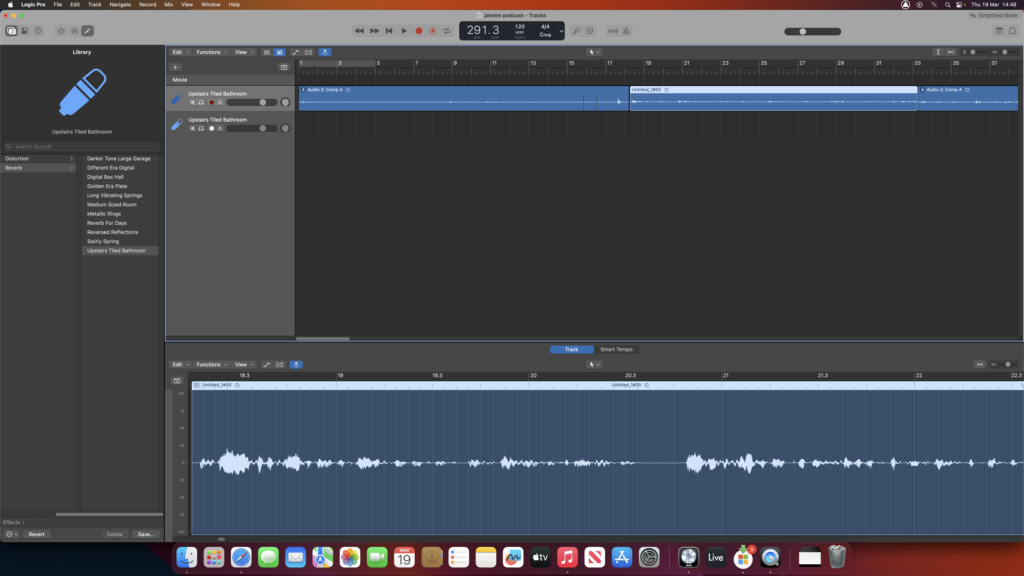
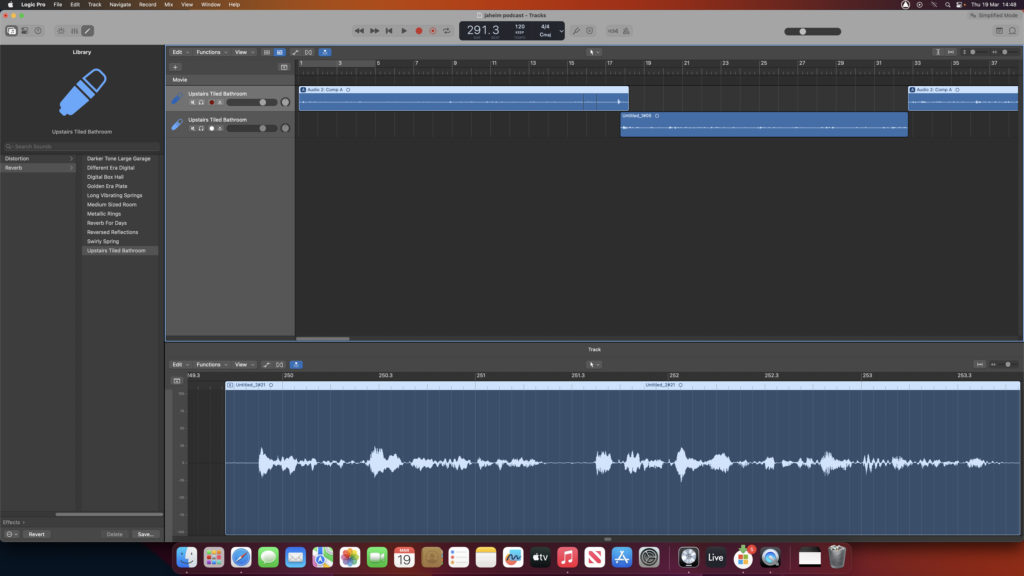
So for the first take, I recorded it all in one go (as seen in the first photo), but then I realized it would be better to split it. That’s why I laid down a part on the top track, then another on the bottom, and repeated that pattern. It gave me more flexibility to pick and choose the best parts.
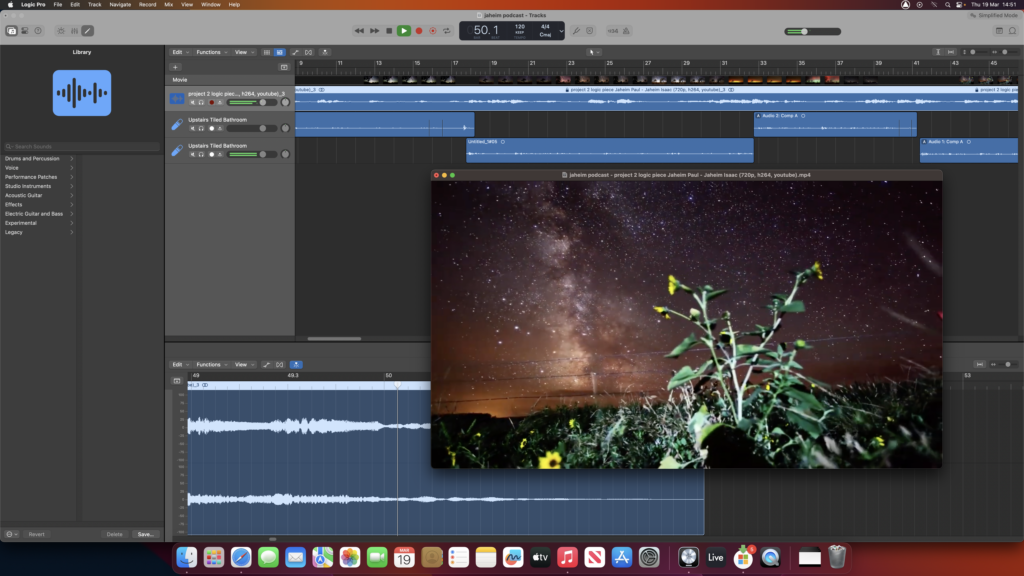
So I added music and a video to the podcast. I used that project I recorded in Logic last year, and it worked pretty well at first. The only issue was that the video was too short—only about a minute and 40 seconds—while the podcast was much longer.
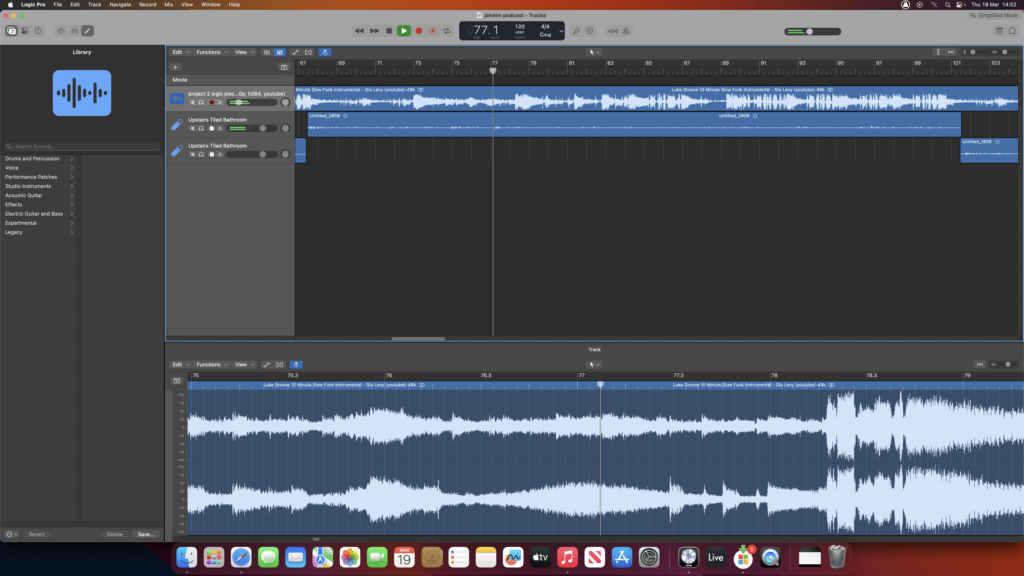
So instead of cutting anything, I just swapped out the music. I found a 10-minute instrumental on YouTube, and I replaced the original track with that. So now it fits the full length of the podcast, and everything syncs up nicely.
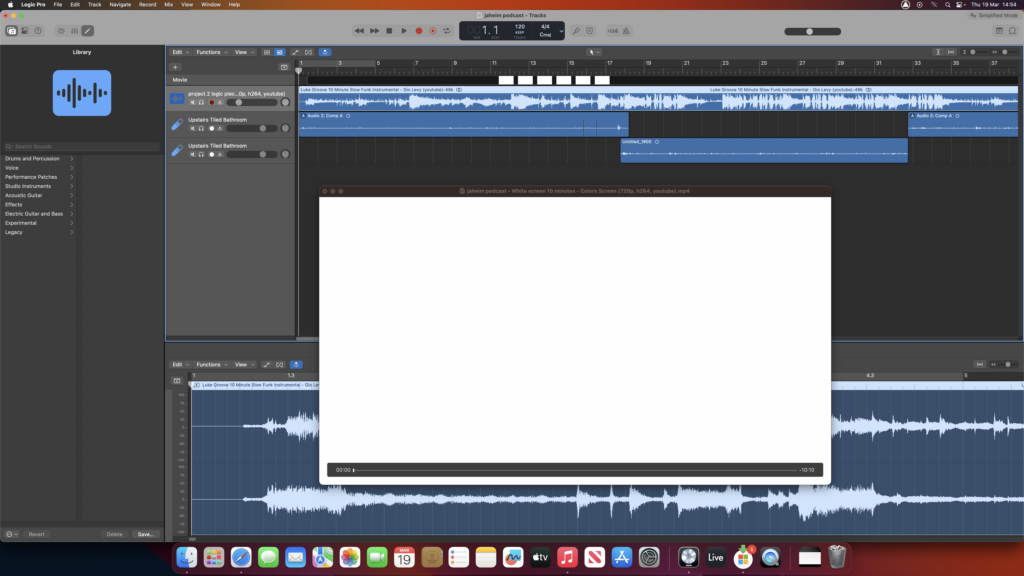
So what I did was I went on YouTube and I found a 10-minute white screen video that was just a blank background. I downloaded it using a safe online tool, and then I imported that video into Logic. Once it was there, I trimmed it down to match the length of my podcast, and that’s how I got it all finished up and ready to go.