Setup – To set up, select your audio input and output. So that the sound will go to your desired output, and the input you want will be used. Link the Midi keyboard, however the Midi keyboard that is used on the macs at college isn’t available to link with Ableton.
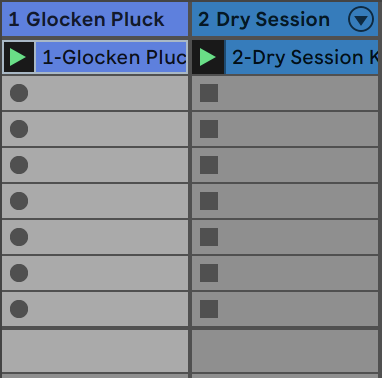
Session view is the layout that ableton usually starts on, it is easy for looping and producing. However the other view, arrangement view, is like other DAW’s such as Logic. Switch by pressing tab.
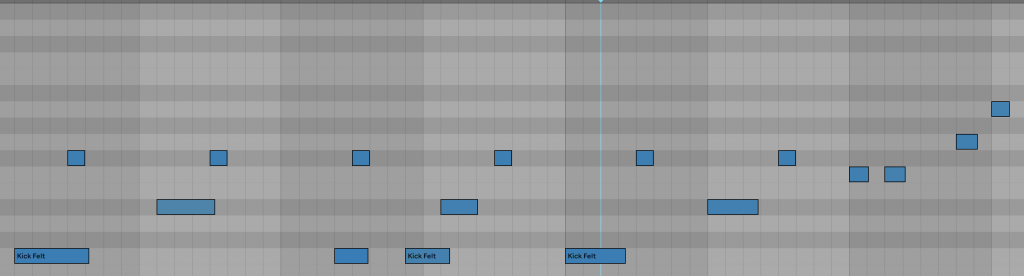
Quantise by selecting all (command A), then ctrl click, then click quantise.
Use the sounds not the instruments.
The fold button make it easier to edit the notes and add notes in.
Cmd +shift + t to add a new midi track.
Shift + tab to change between the notes you’ve played or the instrument and its effects.
Effects are on the left side.
Song arrangement – The big record button at the top will help you record the arrangement of the track. Press that button, then play which instruments you want to come in at the time you want to.