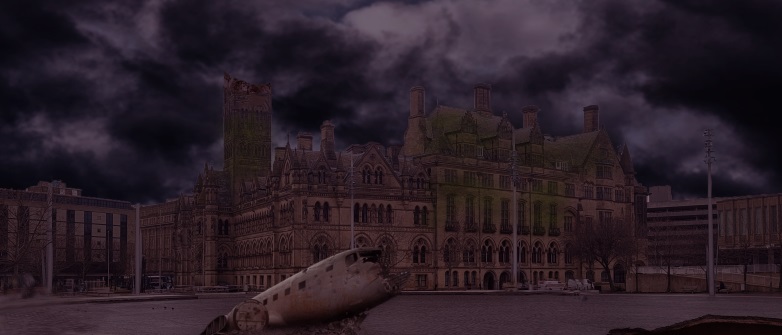
So far in my project I have encountered only small problems, these problems have not taken up a lot of time but have diverted me from my initial task a couple of times, here are the problems I have encountered as well as how I solved them:
PROBLEM: Adobe detected that my home version of Photoshop was in fact not real, and pirated.
POTENTIAL ISSUES: Loss of work, corruption of work etc.
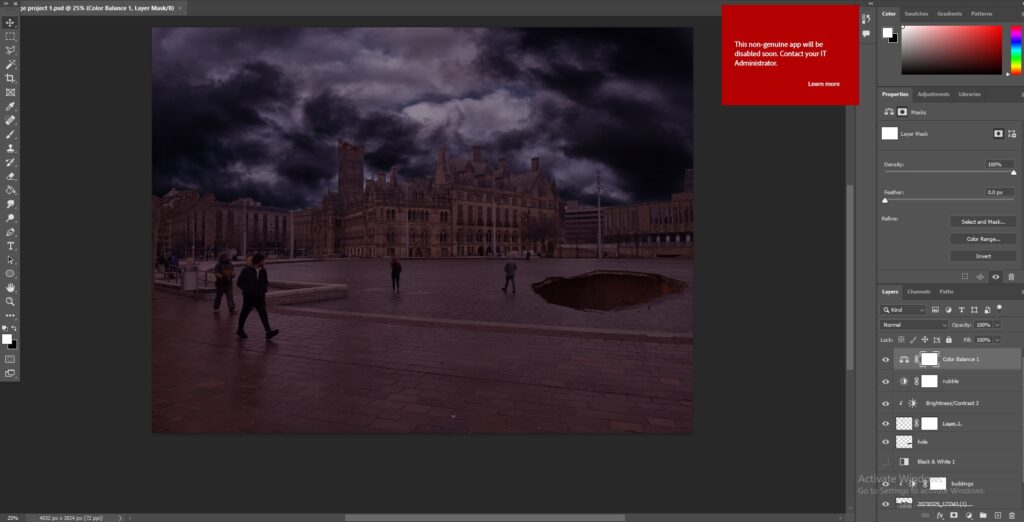
SOLUTION: Re-install a legitimate version of Photoshop and continue with my work, this is the only fix that was required, I also backed up my work again just incase.
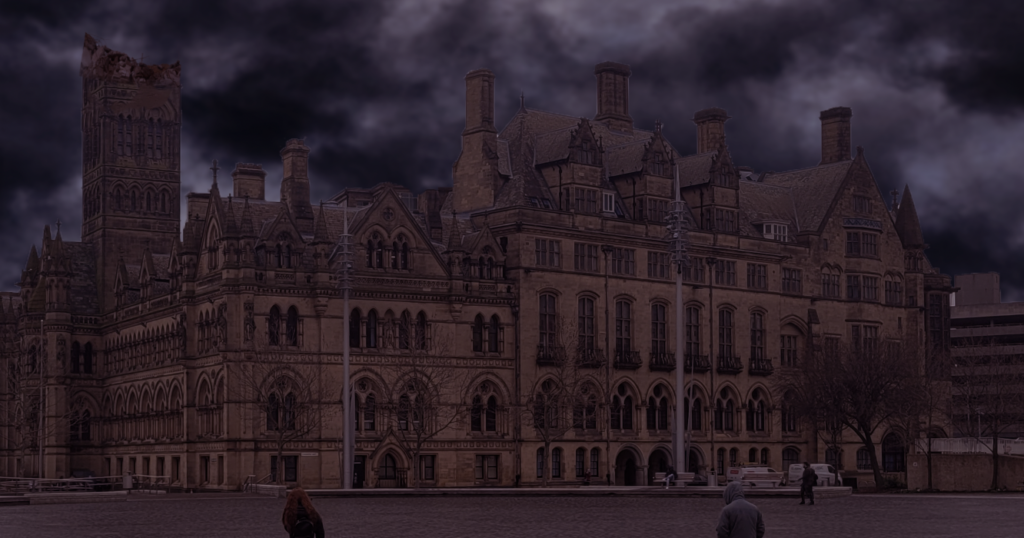
PROBLEM: The quick selection tool was not able to cut the sky out of in-between the trees on the left hand side, meaning that the sky I have imported does not cover the entire image, I also cannot use content aware fill as it makes the image messy and blurry.
POTENTIAL ISSUES: The image will not look seamless, you will be able to tell that the sky is an import and overall the quality of the image will be poor
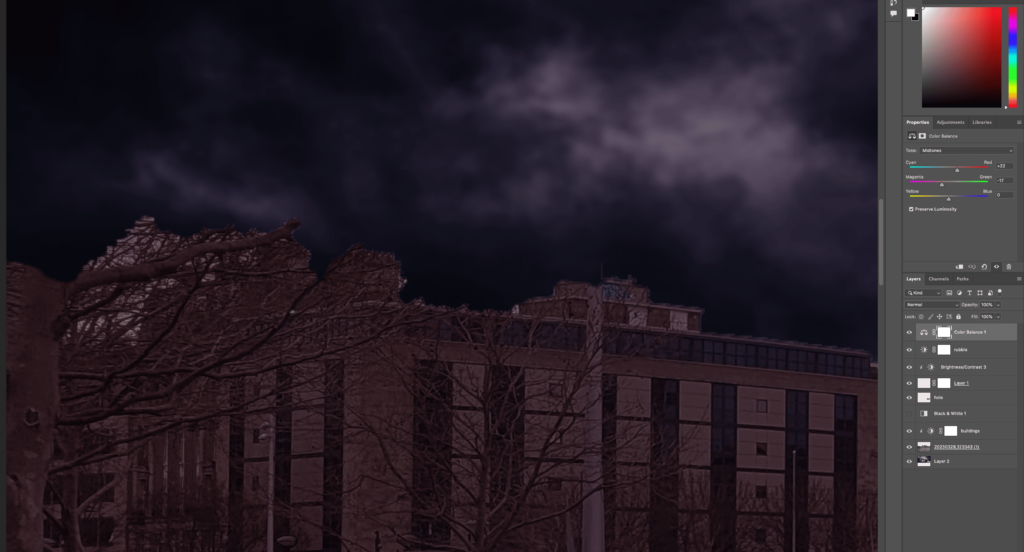
SOLUTION: Find the colour code of the darkest colour and us the brush tool to individually paint the gaps, this may be a temporary fix until I can find something better, but if there is no other solution then I will have to keep the one in question, I will still do some research into solving this issue better than what I have, whether that is through YouTube tutorials or articles it does not matter, I will also test multiple fixes to decide what I believe the best potential fix is.
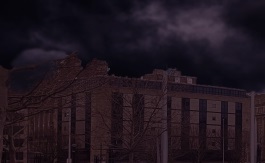
UPDATE: The solution I used for this issue was not brushing the gaps with a similar colour, but instead by using the ‘clone stamp’ tool which used branches and other elements that were already covered by the sky to fill the gaps, below is the final result of the solution:
PROBLEM: The initial idea was to place a hole in the middle of the town hall however, the texture/images for this idea were absolutely nowhere to be found, there was also difficulty cutting out a hole and then using the content aware tool to fill it.
POTENTIAL ISSUES: This was one of the main ideas I had for the image, so to have it be nearly impossible given the time constraints is disappointing
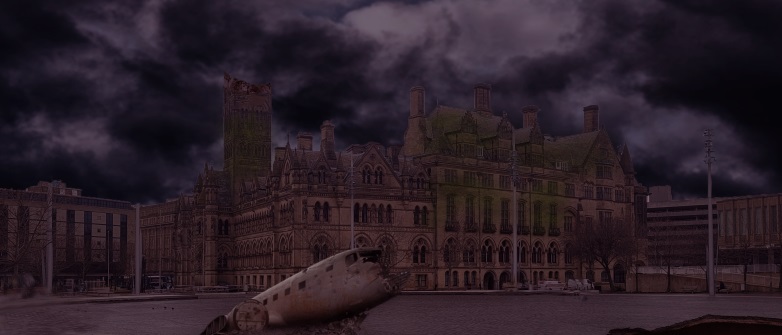
SOLUTION: I have decided I will be instead placing moss on the building to give the effect of it being abandoned instead, unfortunately a crater in the middle was too ambitious and as a result would not have been realistic for the time I have left, luckily; there is an easy way to place moss on buildings with a brush script which I will be learning and then running to add the effect.
UPDATE: I did not run a script to add my moss and instead used a much simpler method called layer masking, this allowed me to grab an image of moss and then only add it in places I needed with a white brush tool, below is the result of the issue being resolved:
PROBLEM: Removing people from the image with content aware fill was leaving obvious blurring/outlines of the removed subjects in question.
POTENTIAL ISSUES: The only issue is that the final piece will not look as polished and the landscape will be less believable which would obviously be a huge negative for any third party that views the final piece.
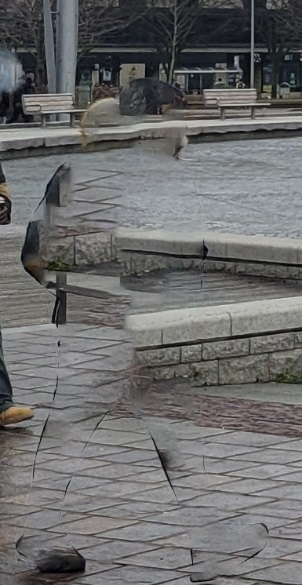
SOLUTION: The solution for this issue is exactly the same solution that was used for the branches earlier in my project, that being the ‘clone stamp’ tool, this allowed me to make the outline invisible and also to place the correct pieces of the image in the correct places, the image now looks a lot clearer and you cannot really tell that there were people in the original image, overall this was definitely the best solution out of the overall problems I have solved, I was also surprised at how well the solution worked as my hopes for this were actually quite low and I was convinced that this would be one of the persistent issues in my final piece, below is a screenshot of the image once the people had been removed: